
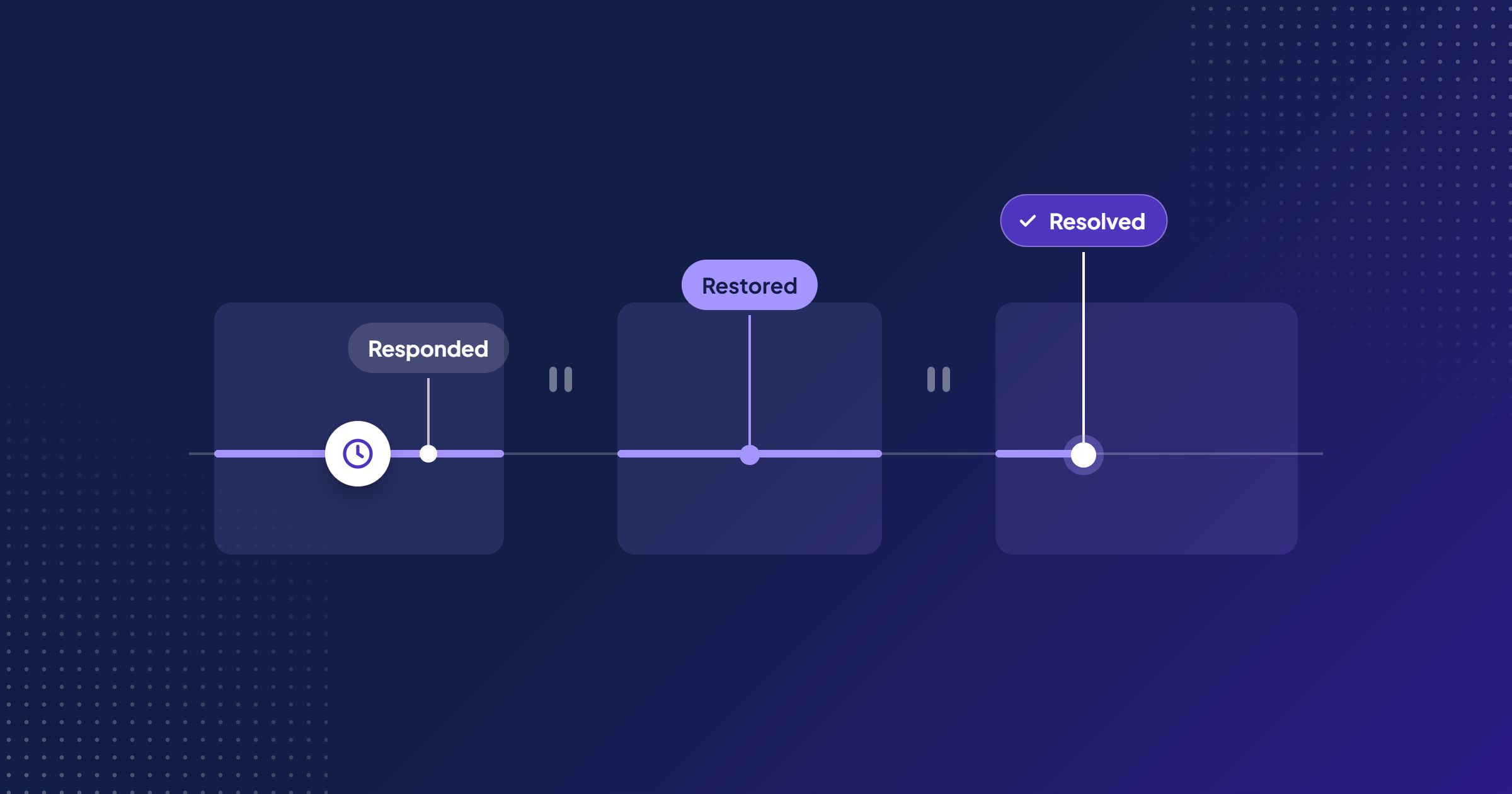
An account lead is finalising a support renewal for a client that has just gone live on a new practice management system. The client asks for “four-hour response and next-day fix”. The lead agrees, because it sounds reasonable and the relationship is good. Three weeks later a ticket arrives at 16:40 on a Friday. The client believes the clock started when they sent the email. The support consultant believes it starts on Monday at 08:00. Nobody wrote down what “fix” meant, and the fault turns out to be in a supplier’s product the firm cannot change.
Nobody acted in bad faith. The promise was simply undefined, and knowing how to set service levels properly would have prevented it.
How to set service levels: the short answer
To set service levels that work, define which services and requesters are covered, then set separate targets for a meaningful response, restoration of usable service and resolution. Tie each target to a priority rule the client can apply, and write down the support hours, time zone and exactly when the clock starts, pauses and stops. Finally, test every target against the people who will actually be on duty, and review performance with the client.
A response target is only useful when both sides understand coverage, priority, the clock and the expected outcome. The rest of this guide turns that into a workshop you can run with your team and then with the client.
Service level agreement or service level expectation?
Be clear about what you are writing before you set numbers. Atlassian describes an SLA as a documented agreement that defines the expected service, the metrics used, and what happens if those targets are missed. Google’s SRE guidance offers a useful test: ask what happens if the objective is not met. If there is no explicit consequence, you are almost certainly looking at an objective, not an agreement.
That distinction matters for professional services firms. Many support arrangements are service descriptions or expectations inside a broader engagement letter, not contracts with service credits. Label them honestly. If a target will carry financial or contractual consequences, involve whoever owns your commercial terms before it goes into a signed document. This article covers designing the service rules, not drafting legal clauses.
Step 1: Define the services, channels and who may request help
Before any clock, agree what is in scope:
- Services covered. “Support for the finance module and the bank-feed integration”, not “support for the system”.
- Channels. Portal, email, phone. State which channel is required for urgent issues, because an urgent request left in a shared inbox at 17:30 will not be seen by anyone.
- Authorised requesters. Named roles who may raise tickets and, separately, who may declare a priority-one incident or approve chargeable work.
- Exclusions. Training requests, new configuration, and supplier products the firm resells but does not control.
Owner: service manager, with the account lead confirming client roles. Evidence: the contract or engagement letter, the handover pack from the project and the client’s organisation chart. Decision: what is in scope, what is excluded and who may request help.
Step 2: Separate SLA response, restoration and resolution times
Most disputes about service levels come from one word covering four different events.
| Event | What it means | Typical owner | Common mistake |
|---|---|---|---|
| Acknowledgement | The request was received and logged | System or first-line | Counting an automatic receipt as a response |
| Meaningful response | A person has read the issue and states a useful next step | Assigned consultant | Replying “we are looking into it” with no next step |
| Restoration | The client can work again, possibly via a workaround | Assigned consultant | Promising it for faults outside your control |
| Resolution | The agreed resolved state is reached and confirmed | Consultant, with client confirmation | Closing before the client has validated the fix |
Set targets for response and, where you control the fix, restoration. Treat resolution time as something you measure and report, and only promise it for work you control end to end. What each message should say is covered in how often a service desk should update a client.
Owner: service manager, with the consultants who handle the client’s tickets. Evidence: a sample of recent tickets showing when each of the four events actually happened. Decision: which events carry a target and which are only measured.
Step 3: Agree priority rules and escalation rights
Priority should be something the client can apply from facts, not a reflection of how loudly they asked. Combine impact (how many people or which business process) with urgency (how soon the harm grows).
| Priority | Criteria the client can check | Response target (example) | Restoration target (example) |
|---|---|---|---|
| P1 | Many users cannot perform a critical process, no workaround | 30 minutes in support hours | Target set per service, with hourly updates |
| P2 | Critical process degraded, or one team blocked, workaround possible | 2 support hours | 8 support hours |
| P3 | Single user affected or non-critical function | 1 support day | Planned, date agreed on response |
| P4 | Question, how-to or minor request | 2 support days | Scheduled with the client |
The numbers are illustrations to replace with your own, not benchmarks. Add two escalation rules: who at the client may raise a priority (and who at your firm may lower it, with a reason recorded), and who is contacted, on both sides, when a target is at risk rather than after it is missed.
Owner: service manager, with the client sponsor. Evidence: last quarter’s tickets re-classified against the draft criteria, to check the split between priorities looks right. Decision: the priority definitions and who may raise or lower them.
Step 4: Write the clock rules
This is the step most arrangements skip. Specify:
- Support hours and time zone. “08:00 to 17:00 SAST, Monday to Friday, excluding South African public holidays.” State the time zone on every deadline, especially for clients in other countries.
- Start. When the ticket is logged through an approved channel, not when an email was sent to a personal address.
- Pause. Only for named conditions, such as awaiting information the client agreed to supply. Atlassian notes that slow-responding customers and third-party escalations can make response times look far worse than they are, which is why pause rules exist. They must be written down and agreed, not applied quietly.
- Stop. Which event stops each clock: the first meaningful response, confirmed restoration, or client-confirmed resolution.
- Client responsibilities. Named contacts available during support hours, access for the support team, reproducible examples and timely testing. If you need detail before you can act, the article on when to ask a client for more information on a support ticket covers how to ask without stalling the work.
A pause stops the measurement. It does not transfer ownership. The ticket still has an owner, a reminder date and a next-update time.
Owner: service manager. Evidence: the support calendar, the public holiday list and the client’s time zone. Decision: the exact start, pause and stop events for each clock.
Step 5: Test the commitments against capacity, then review with the client
Run the proposed targets past the people who will meet them. For each priority, ask:
- Who is watching the queue at 12:30, during a client workshop and on the last hour of a Friday?
- Which skills does each service need, and how many people have them?
- What happens when one person is on leave or deep in project work?
- Which suppliers sit in the path, and what do their own support terms promise?
Google’s SRE guidance warns that adopting targets without reflection can lock a team into supporting a system that requires heroic efforts to meet them, and recommends a tighter internal target than the one advertised. For a small firm, that translates simply: promise the client a target you can meet on your worst normal week, and manage internally to a stricter one.
Then agree a review. Report attainment per client and per priority, list each breach with its cause, and ask the client whether the priorities still reflect how their business works.
Owner: service manager, with the consultants on the rota. Evidence: the rota, planned leave and project commitments for the coming quarter. Decision: accept the targets, re-price the service or narrow the targets.
Hypothetical example: a two-person consultancy and a four-hour promise
Hypothetical example: a two-person consultancy implements and supports accounting software and a bank-feed integration built by a separate supplier. Its standard terms promise “four-hour resolution for every request”.
The promise fails in three places. A how-to question does not need four-hour resolution, so the promise inflates low-value work. The two consultants spend most days on implementation projects, so a four-hour clock on every ticket means constant interruption. And the difficult exception: a P2 ticket arrives because bank transactions have stopped importing. The fault is a defect in the supplier’s integration. The supplier’s own support terms offer a response within one business day and no fix date. The consultancy cannot resolve this in four hours, or perhaps four days, whatever effort it applies.
The rewritten commitments are narrower and more honest:
- Response: a named consultant confirms the impact and next step within 2 support hours for P2.
- Workaround: where possible within 8 support hours, for example a manual statement import so reconciliation can continue.
- Supplier escalation: a logged case with the supplier within 2 support hours of identifying their defect, with the supplier reference shared with the client.
- Updates: a client update at an agreed time each support day while the supplier case is open, even if there is no progress.
- Resolution: reported, not promised, for faults in third-party products, with the supplier’s commitments stated in the service description.
The consultancy also agrees a rota: one consultant is “on queue” each day and protects the first hour of each morning and afternoon, so project work stops being the hidden reason targets are missed.
Service-level definition worksheet
Complete one worksheet per service and priority. Keep the answers short enough to read aloud in the client review.
| Field | What to write | Example |
|---|---|---|
| Service | The specific service covered | Bank-feed integration support |
| Coverage | Hours, days, time zone, holidays, channel for urgent issues | 08:00–17:00 SAST, Mon–Fri, excluding SA public holidays; P1 by phone |
| Priority criteria | Facts that place a ticket in this priority | P2: transactions not importing for one entity; manual import possible |
| Target type | Response, restoration or measured resolution | Response 2 support hours; workaround 8 support hours |
| Start rule | The event that starts the clock | Ticket logged via portal or support mailbox |
| Pause rule | Named statuses and what restarts the clock | Pauses if agreed client data has not arrived by the time promised; restarts when it arrives |
| Stop rule | The event that stops each clock | Response: named person states next step. Restore: client confirms import works |
| Owner | Who is accountable for meeting it | Consultant on queue; service manager for escalation |
| Measurement source | Where the times are recorded | Ticket history timestamps |
| Client responsibilities | What the client must provide | Contact available in support hours; sample file within one support day |
| Review date | When the target is next checked | End of next quarter, or on any staffing or supplier change |
Sample timeline across the end of a support day
Support hours 08:00–17:00 SAST. P2 targets: response in 2 support hours, restoration in 8 support hours. The agreed pause rule: if information the client agreed to supply has not arrived by the time promised, the restoration clock pauses until it does.
| Time (SAST) | Event | Response clock | Restoration clock |
|---|---|---|---|
| Thu 15:30 | Ticket logged, automatic receipt sent | Starts | Starts |
| Thu 16:10 | Consultant confirms impact, asks for a sample file by Fri 09:00 | Stopped: 40 min used, target met | Running |
| Thu 17:00 | Support day ends | 1 h 30 used, clock stops overnight | |
| Fri 08:00 | Support day begins | Resumes | |
| Fri 09:00 | Sample file not received by the agreed time; status set to Waiting on Customer, reminder sent | Paused: 2 h 30 used | |
| Fri 11:30 | Client sends file | Resumes; due Fri 17:00 | |
| Fri 14:15 | Manual import workaround confirmed by client | Stopped: 5 h 15 used, target met | |
| Mon 09:10 | Supplier fix applied and client confirms | Resolution recorded (measured, not targeted) |
The client experienced nearly 23 hours of elapsed time before the workaround. Both numbers are true. Show the client the support-hours measure and the elapsed time together, so the report matches their experience.
Limits and the most common failure mode
This method will not make an under-resourced service reliable. If testing in Step 5 shows the targets need a person you do not have, the decision is commercial: change the price, the coverage or the targets. It also depends on consistent ticket data. If consultants fix issues from phone calls and never log them, attainment figures describe only part of the service.
The most common failure is a single, impressive number that hides everything else: one resolution target for every request, measured in elapsed time nobody agreed, with pauses applied after the fact. It looks strong in a proposal and fails in the first difficult month. Fewer, clearer targets beat many clever ones; Atlassian makes the same point about resisting the urge to create too many goals.
Putting the rules into practice
Once the rules are agreed, the clock arithmetic in the timeline above should not depend on someone checking a spreadsheet. Chronodesk’s SLA management runs separate first-response and resolution timers on business-hours calendars, pauses them while a ticket is Waiting on Customer, and escalates before a breach. It will enforce the rules you write; it cannot decide them for you.
Your next step: take your current support terms, pick one client, and complete the worksheet for their two most common priorities with the consultant who handles their tickets. Where you cannot fill a field, you have found the gap to agree before the next difficult ticket arrives.
Frequently asked questions
What is the difference between response time and resolution time?
Response time measures how quickly someone acknowledges the actual issue and states a useful next step. Resolution time measures how long it takes to reach the agreed resolved state, which may include client confirmation. Most teams also need a separate restoration target for when the client can work again, even if the permanent fix comes later.
Should the SLA clock pause while waiting for the client?
Only if the agreement says so and the pause rule is specific. Name the statuses that pause the clock, what the client must supply, and when the clock restarts. A pause should never mean silence: the team still owns the ticket, sends reminders on an agreed date and keeps the client informed.
What are reasonable service desk response times?
There is no universal benchmark that fits every firm. A reasonable target is one your team can meet on its worst normal week, measured in stated support hours and time zones, for a priority the client can recognise. Start from your actual coverage and history, then add a margin rather than copying another provider’s numbers.
What is the difference between an SLA and a service level objective?
A service level objective is a target. A service level agreement is a commitment with consequences if the target is missed, such as service credits or a defined escalation. If nothing happens when a target is missed, you are describing an objective or an expectation, and it should be labelled that way.
How often should service levels be reviewed?
Review performance with the client on a regular rhythm, often monthly or quarterly depending on volume, and review the commitments themselves when coverage, staffing, services or third-party suppliers change. A breach pattern is also a trigger: it usually means the target, the priority rules or the capacity needs to change.