
Q1 How does Chronodesk timesheet management work?
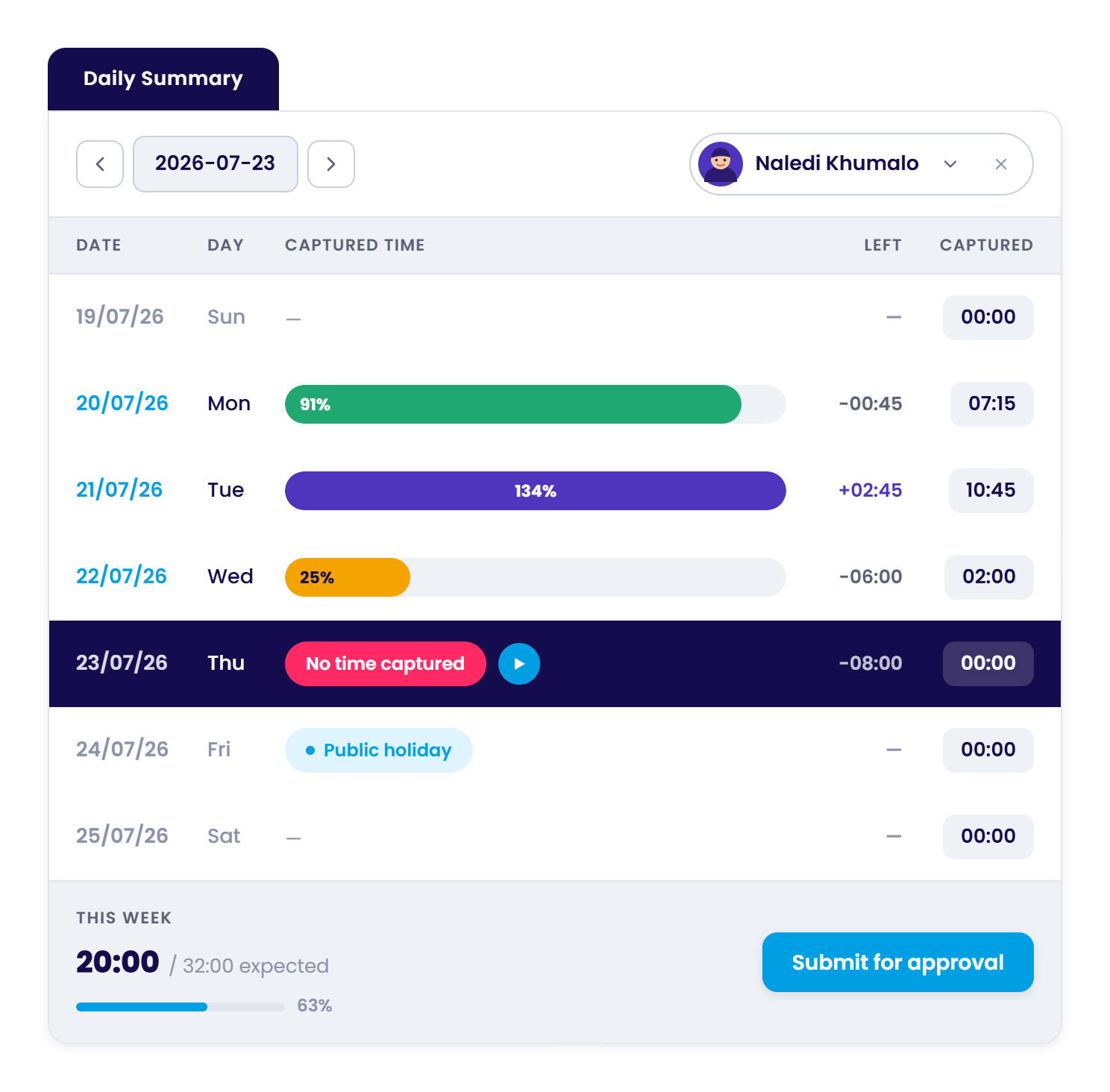
Chronodesk provides a fully functional timesheet capture system with weekly and daily grid entry, live start/stop task timers, automatic calendar meeting ingestion, public holiday and leave tracking, manager approvals, and client rate cards for seamless billing.
Q2 Can Chronodesk automatically capture time from my calendar?
Yes. Chronodesk integrates with Google Calendar and Microsoft Outlook to automatically convert your scheduled meetings and client calls into draft timesheet logs, so no billable meeting hour is ever forgotten.
Q3 How are public holidays and employee leave handled?
Chronodesk pre-populates country-specific public holiday templates and automatically syncs approved annual, sick, and family leave into weekly timesheets. This guarantees 100% time accounting without manual entry.
Q4 How do timesheet approvals and automated reminders work?
Managers can review, approve, or request revisions on submitted timesheets with full audit trails. Automated email and WhatsApp reminders notify team members before deadlines so timesheets are submitted on time for payroll and billing.
Q5 How does billable vs. non-billable time and rate card linking work?
Team members categorize time as billable or non-billable with one click. Chronodesk applies your client-specific or role-based rate cards to billable entries, generating real-time profitability reports and export-ready client invoices.
View pricing plans →