
It is month-end, and a client’s finance team cannot get their revenue report to balance. The analyst who fixed the same problem in March is on leave. The answer is somewhere in a chat thread, a closed ticket and a half-finished document. The analyst on duty finds three different fixes, picks one, and spends the afternoon discovering it applied to an older product version.
The team did not lack knowledge. Service desk knowledge management breaks down when there is no habit that turns what people learn into guidance the next person can find and trust.
What does service desk knowledge management need to work?
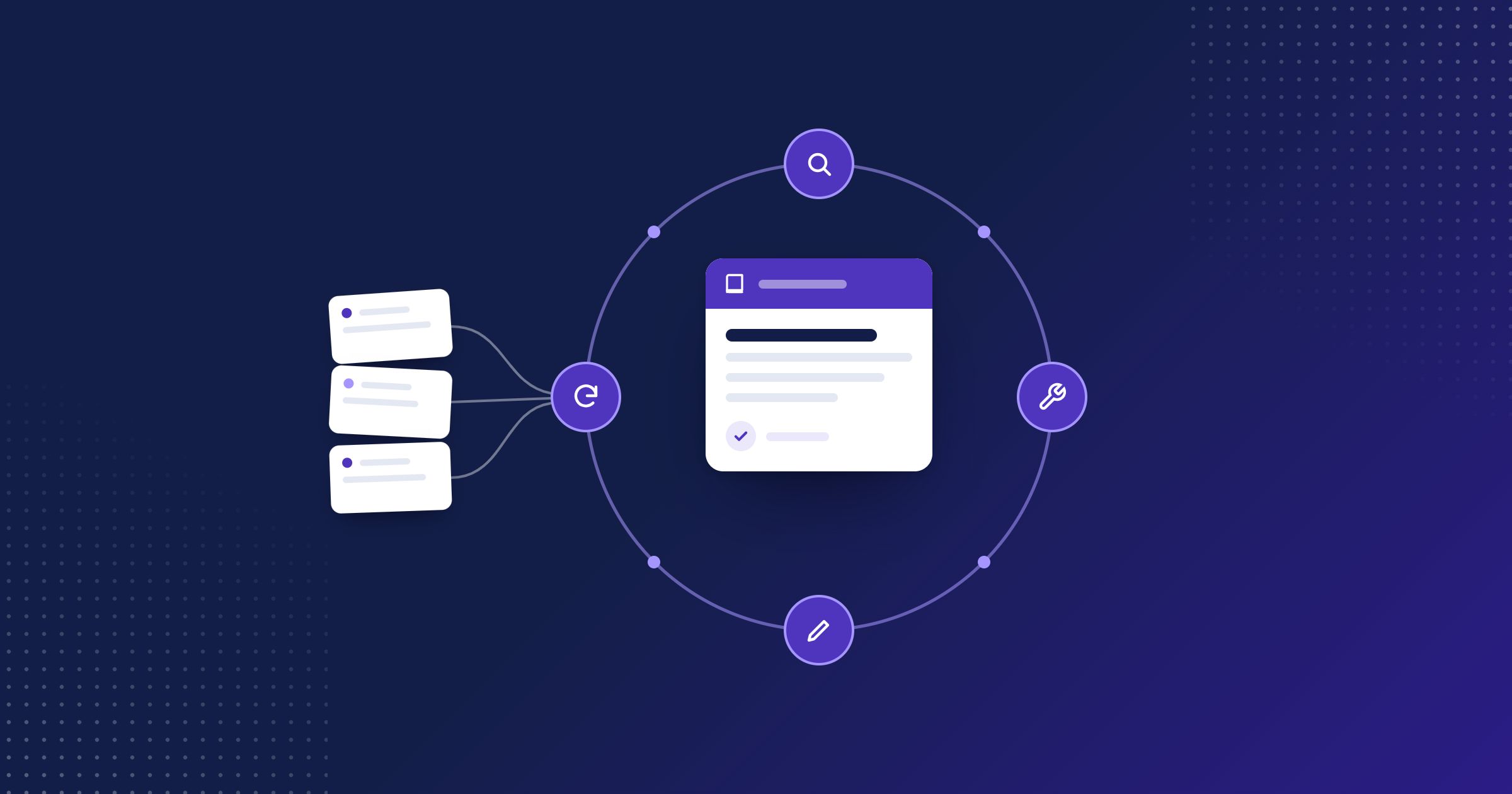
A knowledge base stays useful only when using it and improving it are part of resolving tickets. Search before you write, capture what you learn while the ticket is still open, test guidance before clients see it, and correct articles the moment they fail. A one-off documentation project starts decaying the week it is finished.
This is the central idea behind Knowledge-Centered Service (KCS), as described by the Consortium for Service Innovation. Its Solve Loop practices organise the work around capturing, structuring, reusing and improving knowledge, with techniques such as “search early, search often”, “capture the requestor’s context”, “reuse is review” and “flag it or fix it”. The process below is our own practical adaptation for professional services teams, not a KCS method or certification.
Two concepts are worth holding on to:
- Reuse is the test. An article proves its value when someone follows it on a live ticket and it works.
- Write in the client’s words. People search for the symptom they see (“report totals don’t match the ledger”), not the internal cause (“stale currency rate cache”).
A five-step process your team can run
| Step | Owner | Evidence | Decision point |
|---|---|---|---|
| 1. Choose a starting set | Service lead | Last quarter’s tickets, grouped by symptom | Which recurring problems cost the most time or client confidence? |
| 2. Search before writing | Analyst on the ticket | Search terms used and what was found | Reuse, improve an existing article or create a new one? |
| 3. Capture a concise article | Analyst who resolved it | Steps actually taken and the validated result | Is it ready for internal use? |
| 4. Set visibility and ownership | Reviewer or service lead | Access required, data in the article, risk of misuse | Internal only or client-visible, and who corrects it? |
| 5. Review use and failure | Service lead, monthly | Flags, failed searches, sampled tickets | What to fix, merge, retire or write next |
1. Start with a small set of recurring client problems
Do not begin by documenting everything. Group last quarter’s tickets by what the client experienced and pick the ten or fifteen problems that recur or cause the most disruption. Collect the guidance that already exists for them, including chat threads and personal notes.
2. Search before writing, and record the request as users describe it
Make searching the first action on every new ticket, not the last resort. If the search finds nothing, note the words you tried, because the next person will use them too. Capture the client’s description of the symptom, with error messages exactly as they appear. Our guide on when to ask a client for more information on a support ticket covers how to get that context without stalling the ticket.
3. Create a concise article with context, checks, resolution and validation
Write while the ticket is open or straight after; an article saved for “a quiet afternoon” rarely gets written. Keep it short: what the person sees, when this applies, what to check, what to do and how to confirm it worked. Link the source ticket.
4. Define publishing rights, visibility and correction ownership
Decide, per article, who may publish and who sees it. A reasonable default for a small team: any analyst can create and edit internal articles; one named reviewer approves client-visible articles and anything involving administrative access, data changes or security settings. Every article has an owner who is responsible for corrections, even when someone else wrote it. Strip client names, credentials, screenshots of real data and anything that identifies another client before publication.
5. Review usefulness, failed searches and obsolete guidance
Once a month, the service lead reviews the signals: articles flagged as not working, searches that found nothing useful, articles tied to a changed product version, and near-duplicates. The Consortium for Service Innovation’s guidance on knowledge domain analysis lists findability issues, content gaps and content overlaps among the things this kind of review should surface. Then adjust the workflow itself: if analysts are not searching first, find out why before writing more articles.
Resist counting articles: two hundred articles nobody finds is work, not knowledge. Better signals are the share of sampled resolved tickets where linked guidance worked, and how long “did not work” flags stay open. When you allocate tickets, treat writing and fixing articles as real work; our guide to balancing service desk workload beyond ticket counts covers the wider allocation question.
Hypothetical example: three fixes for one reporting error
A four-person support team at an IT services firm supports a reporting module for twelve clients. Over six months, “month-end revenue report does not match the ledger” has been resolved three different ways: clearing a cached currency rate, re-running the overnight data import, and changing a report filter.
The service lead gathers the three tickets and finds that each fix was right for a different cause. The cached rate applied only to clients on the older product version. The failed import was the most common cause on the current version. The filter change was a workaround for one client’s custom report.
The consolidated article starts with the symptom in the client’s words and states the applies-to context: current product version, standard report. It orders the checks by likelihood: import completed, then rate date, then standard report in use. The custom-report workaround moves into that client’s own notes, because it would mislead everyone else.
Before publishing, a second analyst who has never seen the problem follows the article in a test environment. She gets stuck at step two because the article assumes she knows where the import log lives. That gap is fixed before anyone relies on it.
The difficult exception: the cleanest fix for the cached rate requires running a database command with administrative rights. That step stays in an internal article restricted to senior analysts, with an escalation condition: “If the rate date is older than the last business day and you do not have admin access, escalate to the platform lead with the report name and period.” The client-visible version covers only what the client can safely check themselves (whether the overnight import has finished) and tells them how to raise a ticket if it has.
Knowledge article template and review workflow
Copy this template into whatever tool you use. If a field needs more than a sentence or two, the article is probably covering two problems.
| Field | What to write | Hypothetical example |
|---|---|---|
| Title (symptom) | What the user sees, in their words | Month-end revenue report does not match the ledger |
| Applies to | Product, version, configuration, client type | Current version; standard revenue report only |
| Prerequisites | Access, information or tools needed | Read access to the import log; report period |
| Steps | Numbered checks and actions, most likely cause first | 1. Confirm the overnight import completed. 2. Check the currency rate date. |
| Expected result | How you know it worked | Report totals match the ledger for the period |
| Escalate when | The condition that means stop and hand over | Rate date is stale and you lack admin access |
| Visibility | Internal, client-visible, or client-specific | Internal; client version covers step 1 only |
| Owner and review signal | Who corrects it, and what triggers a review | Service lead; any product release or a “did not work” flag |
Add one line at the bottom of every article: “This did not work? Flag it with the ticket reference and what happened.” If flagging takes more effort than a comment or a ticket tag, people will quietly work around bad articles instead.
Use this review workflow for what happens next:
| Signal | Who acts | Action |
|---|---|---|
| Article used but needed an extra step | Analyst on the ticket | Fix it now if permitted, otherwise flag it |
| Article followed and failed | Analyst, then owner | Flag with the ticket reference; owner corrects within an agreed time |
| Search found nothing | Analyst who resolved the ticket | Create a new article using the search terms tried |
| Product release or configuration change | Article owner | Check the applies-to field; update or retire |
| Two articles cover the same symptom | Service lead | Merge into one, redirect or retire the other |
| Client-visible article flagged | Named reviewer | Withdraw or correct before the next client uses it |
Before an article becomes client-visible, run a short check:
- A second person has followed it successfully without help.
- It contains no client names, credentials or real data.
- It contains no step that needs administrative or privileged access.
- The escalation condition tells the client exactly how to get help.
- The applies-to context is specific enough that the wrong client will not try it.
Limits and the common failure mode
The most common failure is treating knowledge management as a project: a fortnight of writing while the backlog grows, and six months later many articles are wrong and nobody trusts the rest.
The method also has limits:
- A knowledge article is not a fix. Better guidance makes a recurring problem faster to resolve, but someone still needs to investigate the cause.
- Some knowledge should not be written for self-service. Procedures that change data, permissions or security settings belong in restricted internal articles, and some should require a named approver regardless of how well they are documented.
- Small teams need a lighter version. With two people, skip formal review roles and agree one rule: no ticket on a new problem closes without an article or a note saying why none is needed.
- Client-specific context is not general knowledge. Custom configurations and one-off agreements belong in the client’s own records, not in articles every analyst will apply.
Where Chronodesk fits
The process above works in any tool, including a shared document. It becomes easier to sustain when articles, tickets and client access sit in the same place. Chronodesk’s service desk includes a knowledge base alongside ticketing and a client portal, with portal access set per client and per contact. The software does not decide what is safe to publish; the visibility rules and review checks above still do that work.
Your next step this week
Pull last quarter’s tickets and pick five symptoms that recurred. For each, find every piece of existing guidance, consolidate it into the template above, and have a second analyst follow it before you call it done. For the client-facing side of the same tickets, see how often a service desk should update a client.
Frequently asked questions
What is service desk knowledge management?
It is the practice of capturing what your team learns while resolving requests, so the next person can find it, trust it and use it. In a working service desk, searching, writing and correcting guidance are part of handling each ticket rather than a separate documentation project.
Who should write knowledge base articles on a small service desk?
The person who resolves the request should write or update the article while the detail is fresh. Name one reviewer who approves anything client-visible or anything involving privileged access. On a team of three, the service lead can hold that reviewer role alongside their other work.
How often should knowledge base articles be reviewed?
Review an article when something happens to it rather than on a fixed calendar alone: it fails in use, a product version changes, a duplicate is found or nobody has used it for a long period. A quarterly sweep of the least-used and most-flagged articles is a sensible backstop, adding to the monthly review of flags and failed searches rather than replacing it.
Should clients see the same knowledge articles as the support team?
Usually not. Client-visible articles should cover safe, self-service steps written in the client’s language. Internal articles can hold diagnostic detail, privileged procedures and escalation paths. Decide visibility per article and never include another client’s data in either.
How do you measure whether a knowledge base is useful?
Sample recently resolved tickets and check whether linked guidance was relevant and worked. Track searches that found nothing, articles flagged as not working and how long those flags stay open. Article count on its own tells you very little about usefulness.