
It is the Thursday before user testing. The migration consultant opens the client’s data file, which arrived exactly on the agreed date, and finds that a sixth of the records have no client code. The project status still says “on track” because the dependency was marked as received. By Monday, the testing window has gone, the data specialist has moved to another engagement, and the go-live date the client announced to its staff is in doubt. Nobody missed a deadline. The plan simply never said what the file needed to contain, and that gap is where managing project dependencies on client work usually breaks down.
What does managing project dependencies mean on client work?
Managing project dependencies on client work means agreeing, in advance, exactly what each party must supply, in what usable state, by whom and before which commitment, then tracking the evidence rather than the promise. It is under control when both sides can see the needed-by date, the latest date to choose an alternative and who decides if it slips. “Waiting on the client” is not a status; it is a sign that one of those details is missing.
Scheduling links between your own tasks (finish-to-start and similar) matter too, but this guide deals with the harder kind: inputs, decisions and access that someone outside your team must supply.
Four kinds of dependency to look for
Look in four places when you plan, and again when anything material changes.
| Type | Typical examples | Often missed because |
|---|---|---|
| Client decisions | Design sign-off, choice between options, policy rulings | They look like meetings, not deliverables |
| Client inputs and access | Data extracts, credentials, site access, subject-matter experts’ time | “Access” is assumed rather than tested |
| Third parties | The client’s hosting provider, another consultancy, a regulator, a surveyor | Nobody on either side owns the chase |
| Internal | Your own specification, a shared specialist, a quality review, a licence purchase | Teams only look outward for causes of delay |
The same applies outside software. An engineering consultancy may wait on a geotechnical survey commissioned by the client; an advisory team may need signed management accounts before it can finish a valuation. The mechanics are identical.
A five-step process for managing client project dependencies
1. Describe the dependency as an output, not an activity
“Client to provide data” is an activity. “Client master list, one row per active client, with unique client code, legal name and billing contact” is an output. The Association for Project Management distinguishes a product breakdown structure from a work breakdown structure: one sets out the outputs, the other the work to create them, and APM notes that each product has defined acceptance criteria. If you cannot describe a client-supplied output, you cannot tell whether you have it.
Owner: project manager drafts; client project lead confirms. Evidence: a one-line output description the client has agreed.
2. Work back from the latest useful date
Record three dates:
- Requested date: your ask, with time built in to check the item.
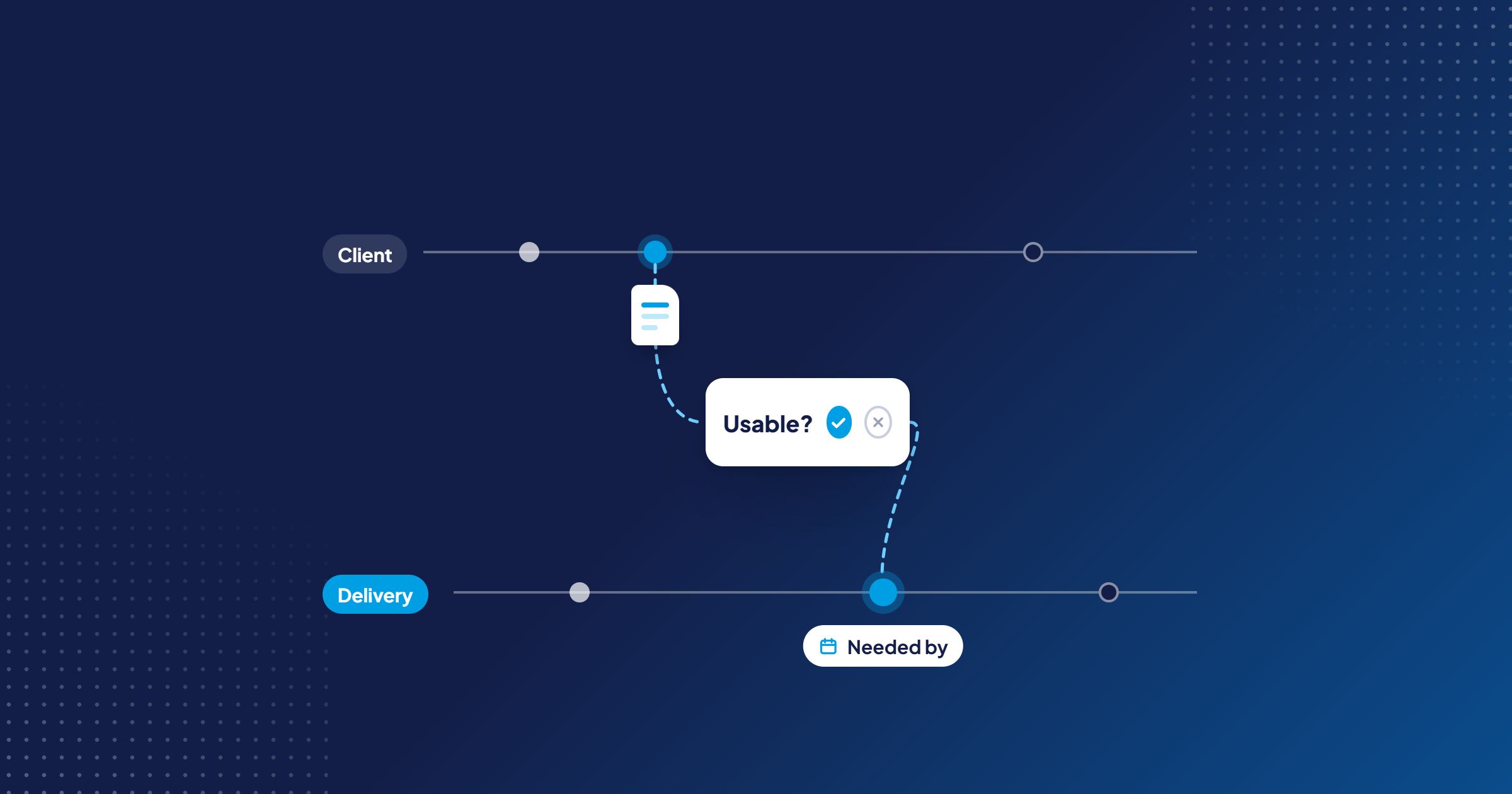
- Needed-by date: the last usable arrival that leaves every downstream milestone intact.
- Latest decision date: earlier still; your final chance to pick a recovery route such as re-sequencing, phasing or extra help.
Set the latest decision date by working back from the needed-by date by the lead time of your slowest realistic recovery option, for example the days needed to rebook a specialist or re-sequence testing. It is the date that matters for escalation, because after it your options narrow to “move the milestone”.
Owner: project manager. Evidence: the downstream task or milestone each date protects, visible in the plan. If you cannot point to that task, your plan may not be detailed enough; how much detail a project task should contain covers that.
3. Agree what “usable” means before it arrives
Define acceptance of the dependency, not just receipt. For a data file: required fields, format, completeness threshold, who confirms it. For an approval: who is authorised to approve and in what form. For system access: a named person has logged in and performed the action the work needs.
Send the criteria with the request, not the rejection, and check the item within a day or two of arrival.
Owner: the person who will use the input. Evidence: a short usability check, recorded with the date and result.
4. Trace the consequences across milestones and shared people
A late input rarely affects one task. Follow it forward: which tests, reviews and client events move, and which specialists were booked for a window that will now pass? Check their other commitments before promising a new date.
Owner: project manager, with whoever schedules shared specialists. Evidence: a list of affected milestones and people, with the new earliest dates.
5. Present recovery options early and record the replan
Before the latest decision date, give the client real choices, each with its effect on date, scope, cost and risk. Ask for a decision by a specific time. Once agreed, update the plan and note what changed and why; a replan that lives only in someone’s inbox will be disputed later.
APM’s guidance treats stakeholders as potential sources of risk and opportunity and notes that their behaviour can be a risk to the project. A client dependency is one of the most concrete forms that risk takes, so escalate it as it approaches its decision point, not after. For finding these risks early, see how to identify project risks before they become delivery problems.
Hypothetical example: the migration file that arrived on time
Hypothetical example: An IT consultancy is implementing a practice management system for a 60-person accounting firm. Go-live is set for the start of week 10. User acceptance testing runs in weeks 7 and 8 and needs migrated client data. The consultancy’s data specialist is booked on this project until the end of week 7, then moves to another engagement.
The register entry reads: client master list; owner: client finance manager; requested: Monday of week 5; needed-by: Tuesday of week 6; latest decision date: Friday of week 5, because rebooking the data specialist needs a week’s notice. The file arrives on the Monday of week 5, as requested. The status becomes “received”.
On Wednesday the specialist runs the trial load. Of 2,400 records, about 400 have no client code and 60 are duplicates of other rows under slightly different names. The load fails for those rows. The file was received but not usable.
The project manager traces the consequence. Without codes, time and billing history cannot be linked to those clients, so the testers cannot check invoices for them. The specialist’s remaining window cannot absorb a full second cycle.
Three options go to the client on Wednesday afternoon, ahead of Friday’s decision date:
| Option | Effect | Trade-off |
|---|---|---|
| A. Client supplies codes and resolves duplicates by Tuesday of week 6 | Go-live holds | Finance team diverted for two days during month-end |
| B. Phase the migration: load the roughly 2,000 complete records now, the rest after go-live | Go-live holds for most clients | Two processes run in parallel for a few weeks; extra reconciliation effort |
| C. Move go-live by two weeks | Full data set tested together | Staff communications reissued; specialist must be rebooked |
The client chooses B, with option A applied to the 50 largest of the incomplete accounts. The project manager records the decision, the revised migration tasks and the new acceptance criteria for the second load.
The difficult exception. When the finance manager asks why nobody mentioned client codes, the record shows that the field mapping, the consultancy’s own deliverable, was finalised a week late and never sent to the client. So this was not simply a client miss, and the extra reconciliation effort in option B is not a straightforward change request. The honest position is shared responsibility, agreed openly, with the mapping added to the register as an internal dependency on every future migration.
Your dependency register template
Copy these fields into whatever tool holds your plan. One row per dependency.
| Field | What to record | Example |
|---|---|---|
| Dependency | The output, described so anyone can check it | Client master list with unique codes |
| Supplier / owner | The named person who supplies it (not “the client”) | Finance manager |
| Usable-state criteria | The checks it must pass | All active clients, code populated, no duplicates, CSV |
| Requested date | When you asked for it, leaving time to check it | Monday of week 5 |
| Needed-by date | Latest usable arrival without moving a milestone | Tuesday of week 6 |
| Latest decision date | Last point to choose a recovery option | Friday of week 5 |
| Downstream milestone | The task or event it protects | UAT start, week 7 |
| Status | Open, received or usable | Received, not usable |
| Current evidence | What you have seen, not what you were told | Trial load failed for 460 rows |
| Fallback | The option you would take if it slips | Phase the migration |
| Escalation owner | Who decides if the fallback is needed | Client sponsor and delivery director |
Review open rows at your normal delivery meeting and whenever an item arrives. Close a row only when the usability check passes. For the wider risk cadence, see how often you should review project risks.
Messages you can adapt
When requesting the dependency (the message that would have prevented the example above):
We need the client master list by Monday of week 5 so that testing can start in week 7. To be usable it must include every active client, a unique client code for each, and no duplicate entries. If it will be difficult to produce any of these, tell us now and we can plan around it together.
When it is late or unusable (send before the latest decision date):
The client master list arrived on Monday, thank you. When we loaded it, around 400 records had no client code, so those clients cannot be tested in week 7. That puts the week 10 go-live at risk. We see three options: (A) codes supplied by Tuesday and the date holds; (B) we go live with the roughly 2,000 complete records and load the rest afterwards; (C) we move go-live by two weeks. Details of each are attached. We need your decision by 16:00 SAST on Thursday to keep options A and B open. I can join a call tomorrow if that helps.
Where this method falls short
A register does not create authority. If nobody on the client side can decide, the best-maintained row will still age. Name the escalation owner at the charter stage; how to write a project charter for a client engagement covers who holds which decisions.
The most common failure is still treating receipt as completion. The second is using the register as a blame ledger. If you only record client misses, clients will stop engaging with it, and your own late items will stay invisible until they cause the same damage.
Keeping dependencies visible in your delivery plan
The method works in a spreadsheet, but better when dependencies sit in the same plan as the tasks and milestones they protect, so a slip shows its downstream effect without a separate reconciliation. Chronodesk project management combines an interactive Gantt view for task dependencies, per-project risk registers and RAG status, with timesheets and resources on the same data, so a client input held as a task or milestone in the plan sits next to the work it protects.
Your next step
Take your current highest-priority engagement and list every open item your team is “waiting on”. For each, write the usable-state criteria and the latest decision date. Any item where you cannot do either is your first conversation this week.
For a wider view of why this matters, good project management is really about reducing uncertainty explains the principle behind it.
Frequently asked questions
What is a client dependency in a project?
A client dependency is anything the client must supply, decide or make available before your team can complete a piece of work: data, system access, an approval, a subject-matter expert’s time or work from one of the client’s suppliers. It becomes manageable when it has a named owner, a clear description of the usable output and a date by which it is needed.
What is the difference between a needed-by date and a latest decision date?
The needed-by date is the latest point at which the input can arrive in a usable state without moving a downstream milestone. The latest decision date comes earlier: it is the last point at which you can still choose a recovery option, such as phasing or re-sequencing, before those options disappear. Escalate against the decision date, not the needed-by date.
How do you chase a client for overdue information without damaging the relationship?
Replace general reminders with a specific message: what is needed, what usable looks like, which milestone depends on it and what choice the client will face if it does not arrive. Offer help to produce it and give a date for the decision. Clients generally respond better to a clear consequence and options than to repeated requests for an update.
Does a late client dependency mean we can charge for the delay?
Not automatically. It depends on what your agreement says and on whether the client knew exactly what was required and when. If your own team never defined the usable state or the needed-by date, the delay is at least partly yours. Record the facts and agree any commercial consequence through your normal change process.
Should internal dependencies go in the same register?
Yes, when they affect a client commitment. A late specification from your own architect or a specialist shared with another project can move a milestone just as surely as a client’s missing data. Keeping both in one register stops the team from treating client items as the only source of delay.